For accessible video watching
Follow every character while you watch.
FRT helps people with prosopagnosia keep track of who is on screen. Load a character track in the browser extension and get consistent color labels over the video as it plays.
Works with the FRT browser extension. Download a track, load it once, and watch on supported streaming sites.
How it works
Two ways to watch with character labels
Both paths start with a .frt track from the catalog. Choose local preview or the browser extension for streaming sites.
Easiest to try
Web player
Best for local video files. Nothing to install.
- 01
Download a track
Pick a title from the catalog and download its .frt file.
- 02
Open the web player
Use the built-in player - no extension or account required.
- 03
Load video and track
Drop your local video file, then load the .frt to preview character labels.
For streaming sites
Browser extension
Overlay labels while you watch on YouTube and other streaming services, such as Amazon Prime, in Chrome.
- 01
Download a track
Get the .frt file for the movie or episode you are watching.
- 02
Install the extension
Download the extension zip, unzip it, and load it unpacked in Chrome. Not on the Web Store yet.
- 03
Watch on streaming sites
Open your streaming service, click the FRT icon, load the track, and watch with color labels.
Web player
Try it in your browser
Open a local video file and optionally load a .frt track to preview character labels. Everything runs on your device - no account and no upload required.
Featured tracks
Ready-to-use character tracks
Download published .frt files and load them in the extension before you press play.
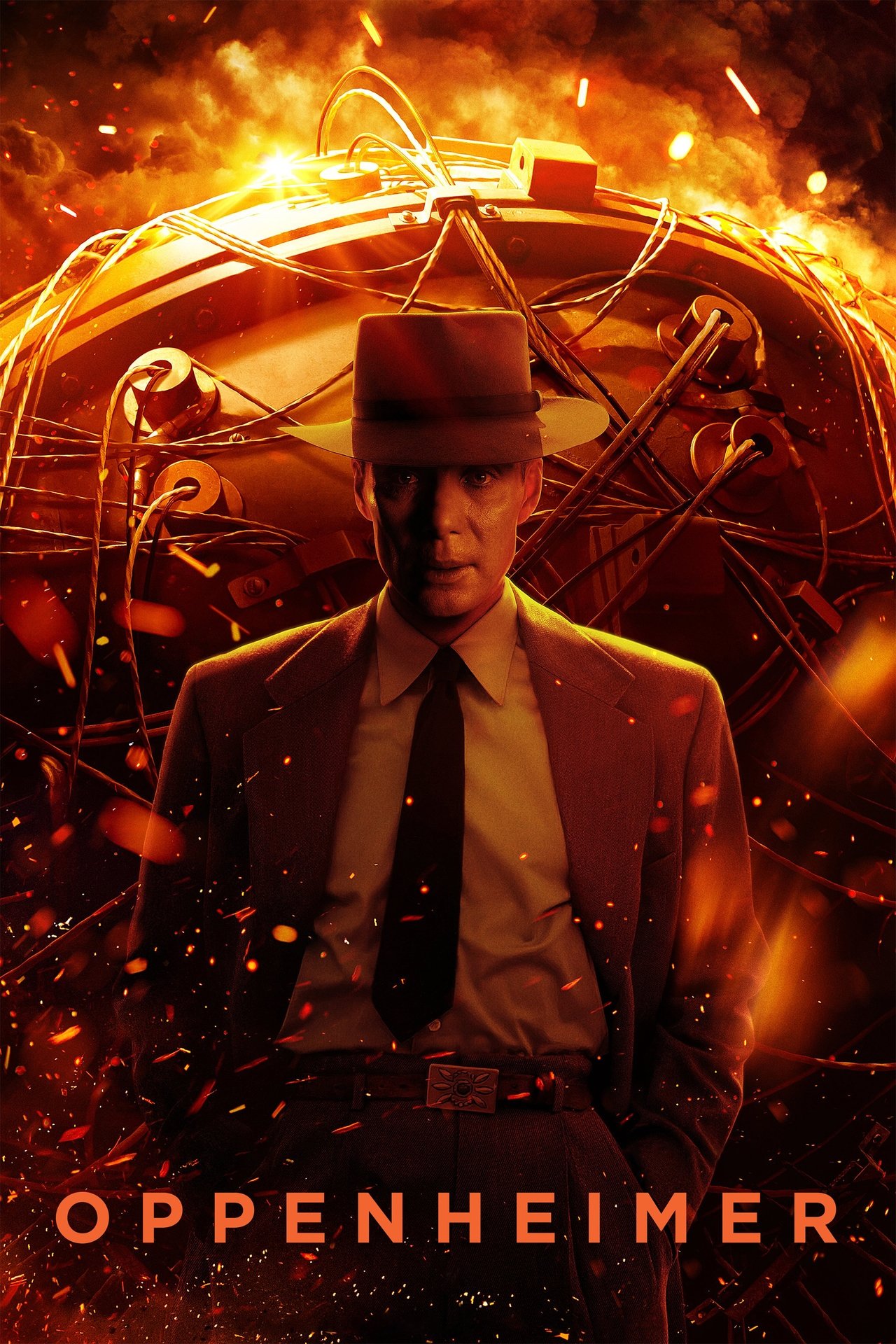
Movie
Oppenheimer (2023)
Sign in to download this track.
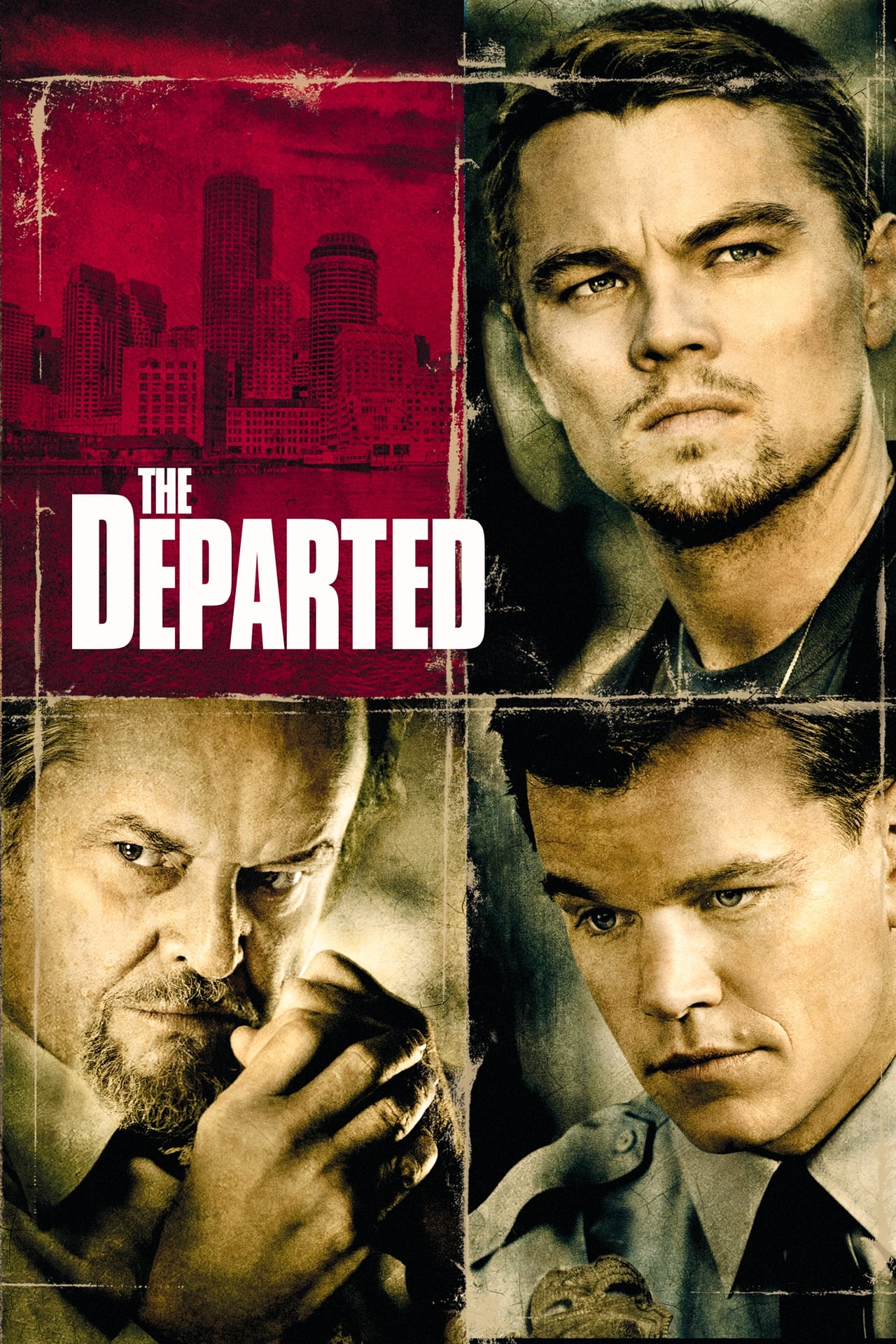
Movie
The Departed (2006)
Sign in to download this track.

Movie
The Irishman (2019)
Sign in to download this track.
From the blog
Latest notes from FRT
Product updates, accessibility notes, and behind-the-scenes writing.
Published on - By Usama
Brad Pitt, Stephen Fry, and Oliver Sacks all have face blindness - and so do many others across film and TV. A guide to prosopagnosia on screen.
Published on - By Usama
Closed captions, audio description, and other things that genuinely help people with prosopagnosia keep track of characters on screen.
Published on - By Usama
How FRT turns raw face detections into consistent character labels - InsightFace embeddings, DBSCAN clustering, and why one actor becomes 12 clusters.
Need a title we do not have yet?
Submit a request with the platform and title details, or upload a source video for admin review. Once approved, you can initiate processing and download your track when it is ready.
FAQ
Common questions
Who is FRT for?
FRT is built for people with prosopagnosia, also called face blindness, who want help telling recurring characters apart while watching movies and TV.
What is an .frt file?
An .frt file is a small character track generated from a source video. It records when each character appears so FRT can draw consistent color labels on screen in the web player or browser extension.
Do I need the extension?
No for local files — use the web player with your video and a .frt track. Yes if you want labels while watching on a streaming site in Chrome.
How do I install the browser extension?
FRT is not on the Chrome Web Store yet. Download the extension zip, unzip it, open chrome://extensions, enable Developer mode, click Load unpacked, and select the unzipped folder.
How do I request a new title?
Create an account, open New request, and either send title metadata for admin review or upload a source video directly. After approval, you initiate processing and download the finished track from your request page.
Does FRT host or stream the video?
No. You keep watching in your own browser or with a local file. FRT only provides the character track and overlays labels through the web player or extension.